Best IPTV Boxes & Devices in 2026: What Actually Works
Your IPTV experience is only as good as the device delivering it. This guide compares every major hardware category — from Fire TV sticks to dedicated MAG boxes — so you can make an informed choice before spending a dollar.

Why the Right IPTV Device Makes a Real Difference
A common misconception is that any internet-connected device will deliver the same IPTV experience. In practice, your hardware determines which player apps you can install, how quickly channels load, how smoothly the interface responds, and whether you can reliably stream 4K content without constant buffering.
Devices vary in processor power, RAM, storage, wireless capability, and — critically — the ecosystem of IPTV player apps available for their operating system. A device that supports TiviMate natively delivers a fundamentally different experience from one that doesn't. A device with 2GB of RAM handles large playlists and EPG loading significantly better than one with 1GB.
The good news: you don't need to spend a lot to get excellent IPTV performance. This guide covers every hardware category relevant to US IPTV viewers in 2026 — from sub-$30 streaming sticks to purpose-built IPTV boxes — and explains which scenarios each hardware type serves best.
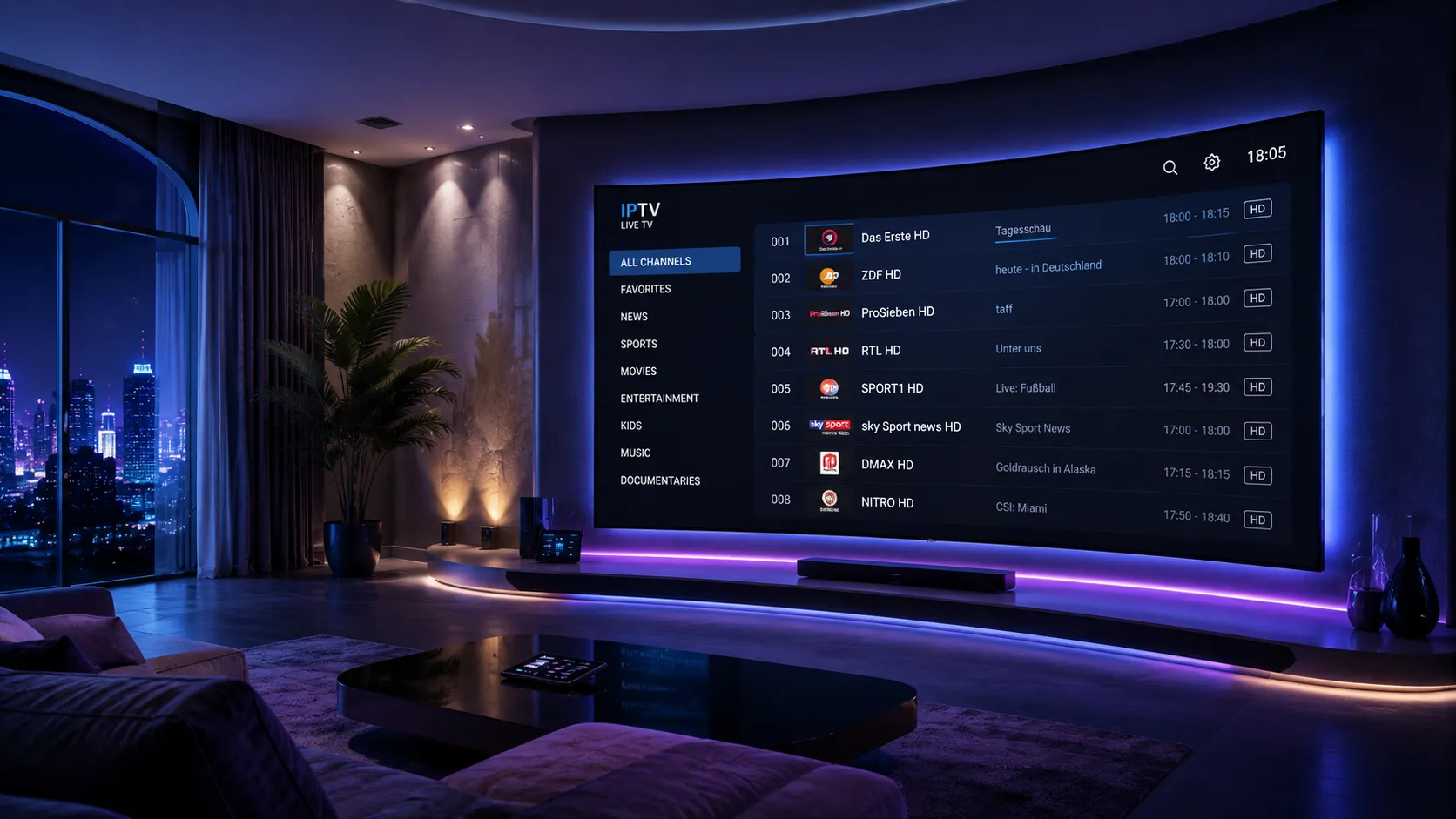
Every Major IPTV Device Type Compared
Here is how the main IPTV device categories compare for US viewers in 2026 — their strengths, limitations, and ideal use cases.
The Amazon Fire TV Stick — particularly the 4K Max model — is the most widely used IPTV device among US viewers. It runs Fire OS (based on Android) and connects via HDMI, making it easy to upgrade any TV without replacing it. IPTV Smarters Pro is available directly from the Amazon App Store; TiviMate requires sideloading via the Downloader app, which takes less than five minutes.
Android TV and Google TV boxes running stock Android offer the broadest IPTV player app selection of any device category. TiviMate installs directly from the Google Play Store without sideloading. These boxes vary widely in hardware quality — processors, RAM amounts, and wireless capability differ significantly between models, so specifications matter more than brand for this category.
MAG boxes are purpose-built IPTV set-top boxes running a streamlined Linux-based OS. Rather than M3U playlists, they connect to IPTV services via a portal URL. The interface is designed specifically for TV-remote navigation and delivers a cable TV-like experience. MAG boxes require a provider that supports the Stalker Portal protocol, so compatibility must be confirmed before purchase.
Apple TV 4K is the premium IPTV device choice for users already in the Apple ecosystem. It runs tvOS and supports IPTV apps including GSE Smart IPTV and IPTV Smarters. The hardware quality is exceptional — fast processor, excellent remote, and first-class build quality. The main IPTV limitation is that TiviMate is not available for tvOS, so your player options are more limited than on Android TV.
Modern Samsung (Tizen OS) and LG (webOS) Smart TVs have IPTV apps available in their respective app stores. The convenience of having no additional hardware is attractive, but the IPTV player selection is more limited than on Android TV or Fire TV, and performance depends heavily on the TV's processor and available RAM. For TVs older than 3–4 years, an external streaming device will reliably outperform the built-in smart TV capabilities.
Windows and Mac computers support IPTV through player apps like VLC (free, all platforms) and dedicated IPTV applications. While not typically used as a primary TV device, a computer is useful for testing M3U playlists before configuring a TV device, watching IPTV at a desk or laptop setup, or as a backup viewing option. Kodi with the PVR IPTV Simple Client addon is a popular all-in-one solution for PC-based IPTV viewing.
Device Feature Comparison at a Glance
Use this table to quickly cross-reference the key IPTV-relevant features across device types before making your choice.
| Device | TiviMate | IPTV Smarters | Ethernet | 4K Support | Best For |
|---|---|---|---|---|---|
| Fire TV Stick 4K Max | Sideload | ✓ App Store | Wi-Fi only* | ✓ Yes | Most US viewers; best value |
| Android TV Box (mid-range) | ✓ Play Store | ✓ Play Store | ✓ Most models | ✓ Yes | Power users, wired setup |
| MAG Box (e.g., MAG 524) | Not supported | Not supported | ✓ Standard | ✓ Newer models | Portal-based IPTV, simple UI |
| Apple TV 4K (3rd gen) | Not available | ✓ App Store | ✓ Yes | ✓ Yes | Apple users, premium setup |
| Samsung Smart TV (2022+) | Not available | Some models | Most models | ✓ Yes | Existing TV without extra device |
| Windows / Mac PC | Not available | Android only | ✓ Standard | ✓ Yes | Testing, desktop viewing |
* Ethernet adapters are available for Fire TV Stick via USB OTG; compatibility depends on the adapter and Fire TV model.
Hardware Specifications That Actually Affect IPTV Performance
Most IPTV device marketing focuses on 4K support and storage capacity — neither of which is the most important spec for IPTV performance. Here is what to actually look for when evaluating hardware.
RAM — The Most Underrated Spec
RAM directly affects how smoothly your IPTV player loads large playlists, handles EPG data, and switches between channels. Devices with 1GB of RAM can struggle with modern IPTV player apps, particularly TiviMate with catch-up enabled or Smarters with a large EPG dataset loaded. A minimum of 2GB is recommended; 4GB provides a noticeably more responsive experience. According to Amazon's own product pages for the Fire TV Stick 4K Max, the extra RAM in higher-tier models is specifically cited for improved multitasking performance.
Processor
A modern quad-core or octa-core processor handles HLS stream decoding, EPG rendering, and UI animations without dropping frames or causing freezes during channel switching. Older or cheaper devices with slower processors show this most clearly when loading long playlists or scrolling through a densely populated EPG grid.
Storage
IPTV streaming does not require much local storage because content is streamed rather than downloaded. However, the player app itself, cached thumbnails, and EPG data do consume some space. Devices with at least 8GB of storage — and ideally 16GB — give the player apps room to cache data without running into storage conflicts with other installed apps.
Wi-Fi Standard
For devices that rely on Wi-Fi rather than Ethernet, the supported Wi-Fi standard matters significantly. Wi-Fi 6 (802.11ax), supported by the Fire TV Stick 4K Max and premium Android TV boxes, provides better throughput and lower latency in dense wireless environments — apartment buildings, neighborhoods with many competing networks — compared to Wi-Fi 5 (802.11ac). If you stream 4K content over Wi-Fi, Wi-Fi 6 capability in your device and router combination makes a genuine performance difference.
For comprehensive information about current streaming device specifications and standards, the RTINGS.com streaming device reviews provide independent, methodically tested hardware comparisons that go beyond manufacturer specifications.
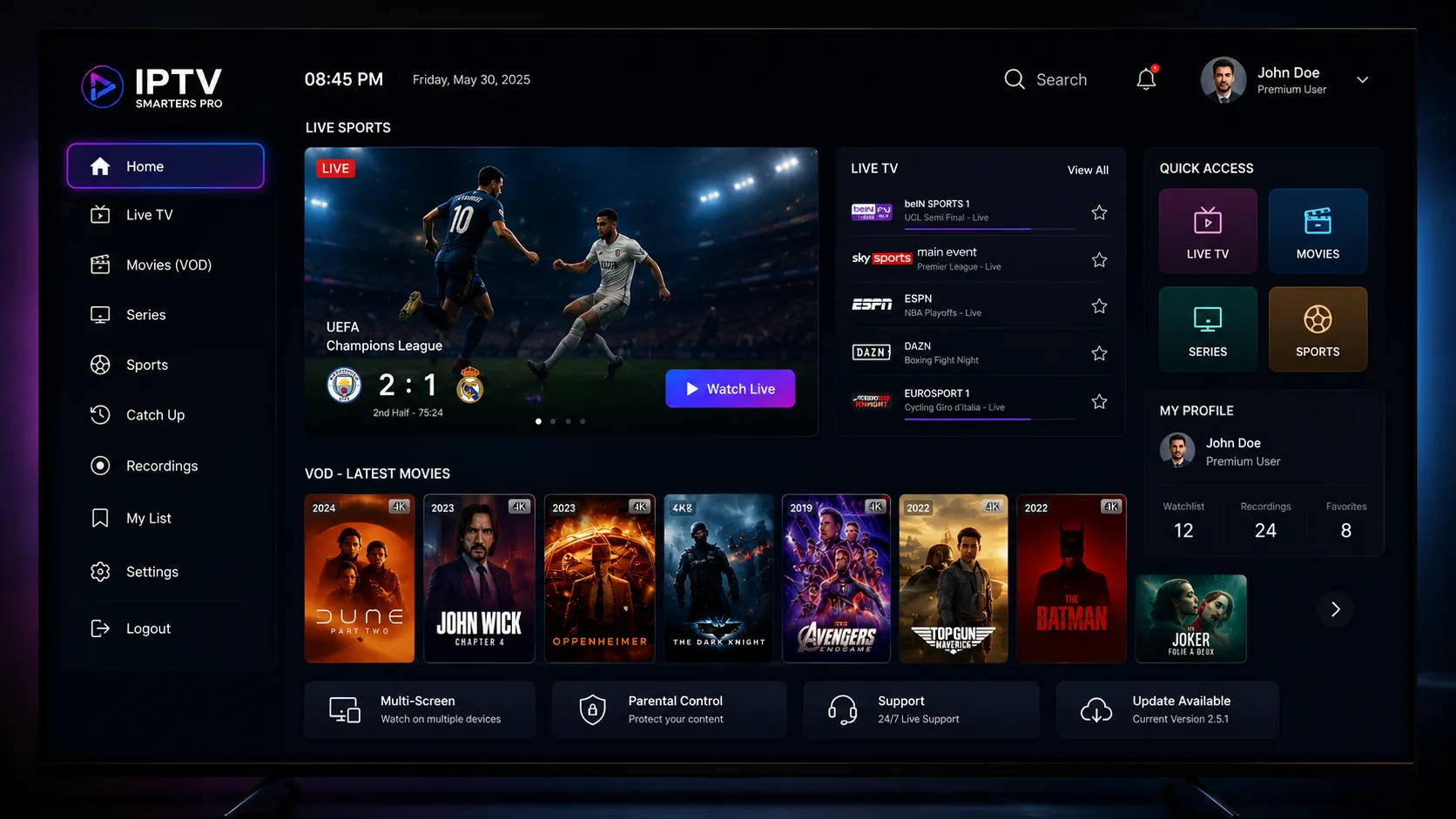
IPTV Device Ecosystem — Related Guides
Once you have chosen your device, these guides cover what to do next — player apps, buffering fixes, and subscription options.
The most common cause of IPTV buffering is the connection between your device and your router. This guide covers every fix — from hardware choices to network settings.
Step-by-step setup for IPTV Smarters Pro — the most versatile player available across Fire TV, Android, and iOS devices without sideloading.
Your hardware choice determines which player apps you can use. This guide helps you match the best player to your device and viewing preferences.
After setting up your device and player, this guide helps you evaluate and choose the best IPTV subscription for US viewers in 2026.
Not Sure Which Device Is Right for You?
Tell us which TV you have, what your internet setup looks like, and whether you prefer a simple or feature-rich experience — and we'll point you to the right device without any sales pressure.
Frequently Asked Questions About IPTV Devices
For most US viewers, the Amazon Fire TV Stick 4K Max offers the best combination of performance, availability, and value. It supports IPTV Smarters Pro from the Amazon App Store and TiviMate via simple sideloading. For users who prefer TiviMate without sideloading or want an Ethernet connection, an Android TV box running stock Android TV or Google TV is the more flexible choice. Apple TV 4K is the best option for users already in the Apple ecosystem.
Many Samsung and LG Smart TVs have IPTV apps available in their app stores. However, the selection is more limited than Android TV or Fire TV, and older Smart TVs may not support the apps you want. The most reliable approach — especially if your TV is more than 2–3 years old — is connecting an external streaming device like a Fire TV Stick or Android TV box via HDMI. This gives you full access to the IPTV player ecosystem regardless of your TV's built-in capabilities.
Yes — Fire TV Stick is one of the most popular IPTV devices in the USA. IPTV Smarters Pro installs directly from the Amazon App Store. TiviMate requires sideloading via the free Downloader app, which involves enabling "Apps from Unknown Sources" in Fire TV settings and downloading the TiviMate APK. The process takes about 5 minutes and is well-documented. The Fire TV Stick 4K Max is the recommended model due to its faster processor, more RAM, and Wi-Fi 6 support.
A MAG box is a purpose-built IPTV set-top box that runs a simplified Linux OS optimized for IPTV. It connects to your IPTV provider via a portal URL (using the Stalker Portal protocol) rather than an M3U playlist file. The interface is designed specifically for TV-remote navigation with no app store or other distractions. An Android TV box runs Android and supports a full range of apps — including multiple IPTV player apps, streaming services, and general Android apps. MAG boxes offer a simpler, more dedicated experience; Android boxes offer more flexibility.
A minimum of 2GB RAM is recommended for a smooth IPTV experience with modern player apps. Devices with 1GB of RAM can struggle with large playlists, EPG data loading, and complex player interfaces. For the best performance — particularly if you use TiviMate with catch-up enabled, stream 4K content, or run a large multi-thousand-channel playlist — a device with 4GB of RAM provides a noticeably more responsive experience with faster channel switching and smoother EPG navigation.
A wired Ethernet connection always outperforms Wi-Fi for IPTV streaming reliability. Wi-Fi introduces latency spikes, signal interference, and bandwidth competition from other household devices — all of which can cause buffering on streams that would otherwise play perfectly. If running a cable is not practical, use a powerline adapter to carry the signal through your home's electrical wiring. If Wi-Fi is your only option, connect on the 5GHz band (not 2.4GHz) and position your device as close to your router as possible. Our buffering fix guide covers this in detail.
Ready to Set Up Your IPTV Device?
Once you have your device sorted, the next step is choosing a compatible player app and an IPTV subscription. Reach out on WhatsApp if you'd like a personalized recommendation for your specific setup.