Best IPTV Player Apps in 2026: Every Major Option Compared
Your IPTV player is the interface between your subscription and your screen. The right choice depends on your device, your need for EPG features, and whether you want a free or premium experience. This guide covers every major option.
What an IPTV Player Actually Does — and Why It Matters
An IPTV player is the application that reads your M3U playlist or Xtream Codes credentials and turns them into a viewable channel guide on your screen. All IPTV player apps share the same fundamental job, but they differ considerably in how well they do it — in EPG rendering quality, channel switching speed, catch-up TV support, interface usability, and stability on different hardware.
Choosing the wrong player for your device or your viewing habits is one of the most common reasons new IPTV subscribers have a poor initial experience. Someone who installs a basic, EPG-limited player on a powerful Android TV box will have a noticeably worse experience than someone using TiviMate on the same hardware with the same subscription. The subscription and the playlist are identical — the player is the differentiator.
This guide compares the major IPTV players across the criteria that affect everyday use: device compatibility, EPG quality, catch-up support, interface usability, connection method support (M3U and/or Xtream Codes), cost, and any notable limitations.
The Best IPTV Player Apps in 2026 — Detailed Reviews
These are the IPTV player apps most relevant to US viewers, covering the widest range of devices and use cases.
TiviMate is the gold standard for IPTV on Android TV and Fire TV devices. Its EPG rendering is the best in class — loading large program guides quickly, accurately mapping channels, and presenting scheduling information in a polished TV-guide grid. The free version covers the basics; TiviMate Premium unlocks multiple playlists, recording, catch-up TV, and parental controls. On Fire TV, installation requires sideloading via the Downloader app — a straightforward five-minute process. See our dedicated TiviMate setup guide for a step-by-step walkthrough.
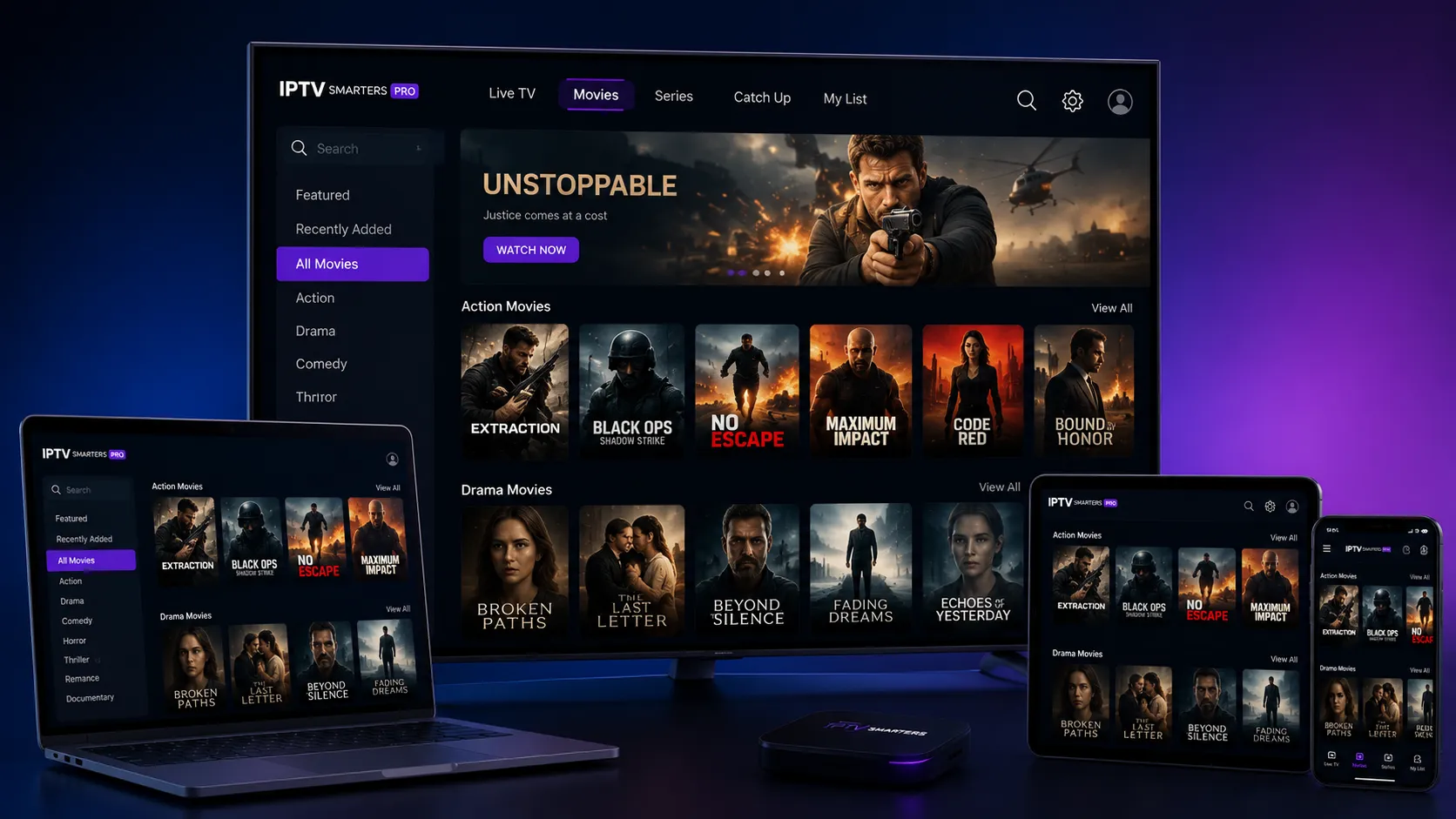
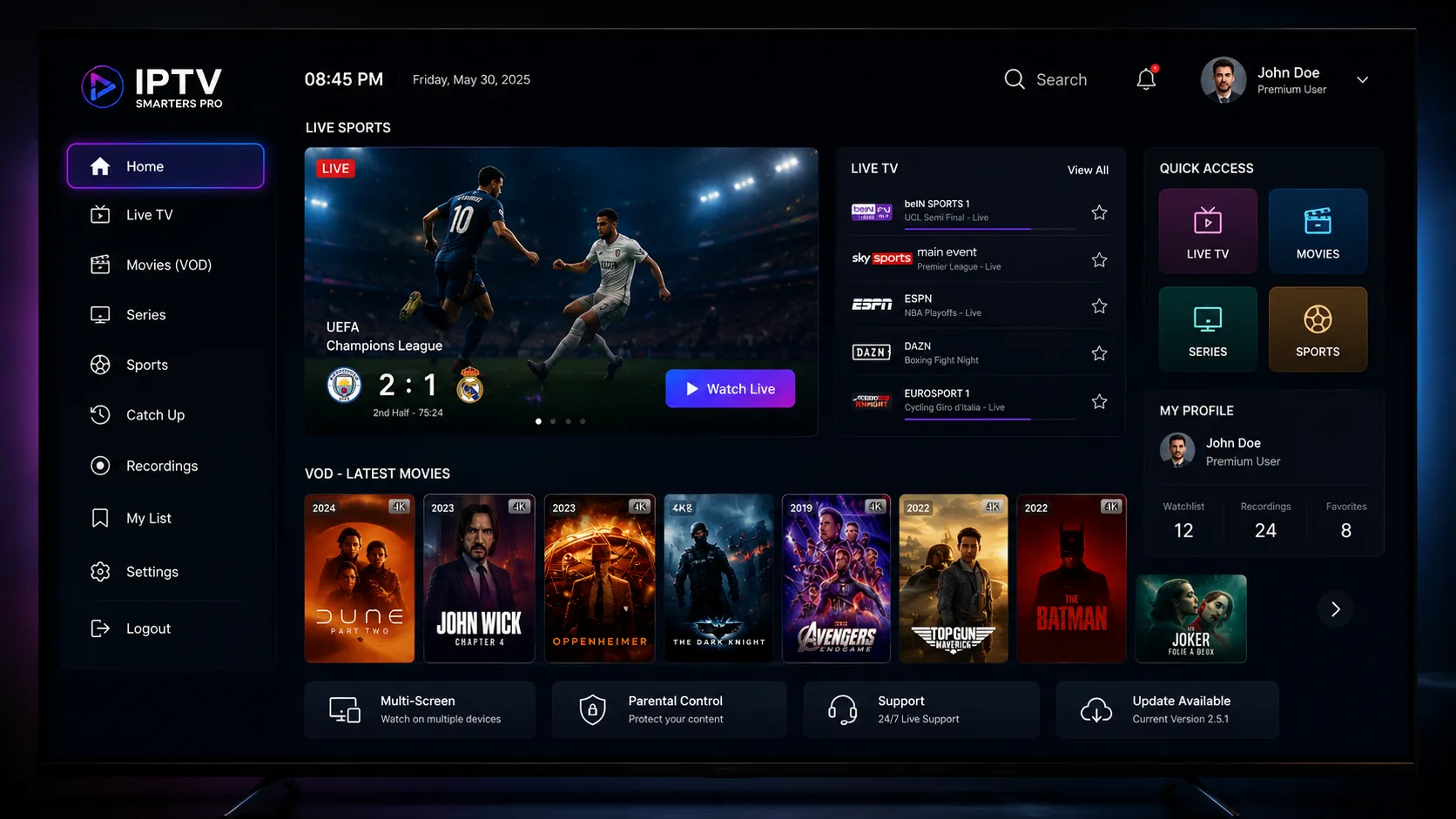
IPTV Smarters Pro is the most cross-platform IPTV player available, supporting Android, iOS, Fire TV (via Amazon App Store — no sideloading needed), and several Smart TV platforms. It supports both M3U URL and Xtream Codes connections, includes EPG, and provides a clean user interface suitable for all experience levels. On Fire TV, it is the best option for users who want to avoid sideloading entirely. See our Smarters Pro setup guide for full configuration steps.
GSE Smart IPTV is the strongest IPTV player option for Apple TV and iOS devices. It handles M3U playlists and Xtream Codes connections, offers solid EPG support, and is well-optimized for the Apple TV remote and tvOS interface. For iPhone and iPad users wanting a capable IPTV player without leaving the Apple ecosystem, GSE Smart IPTV delivers a reliable and polished experience. A free version with limited features and a paid Pro version are both available.
Perfect Player is a lightweight, free IPTV player for Android and Android TV devices. It performs well on lower-spec hardware where heavier players like TiviMate may feel sluggish. It supports M3U playlists and EPG data in XMLTV format, and its simplified interface makes channel switching fast. It lacks the feature depth of TiviMate — no catch-up, no recording, simpler favorites management — but for users who want a reliable, fast-loading free player it is an excellent option.
VLC is a free, open-source media player available on every major platform. It can open M3U playlists and play IPTV streams reliably, making it invaluable for testing whether a stream URL is valid or whether a connection issue is player-related. However, VLC lacks dedicated IPTV features — no EPG, no channel guide interface, no catch-up, no favorites management. It is best used as a diagnostic and troubleshooting tool, not as a daily IPTV player.
Kodi is an open-source media center that supports IPTV through the PVR IPTV Simple Client add-on. It offers deep customization, EPG support, and integration with other Kodi add-ons for a comprehensive media center experience. Kodi requires more initial configuration than dedicated IPTV apps and may be overwhelming for non-technical users. For those who enjoy customization and already use Kodi for other media, it is a capable IPTV solution. Kodi itself is legal software; the content accessed through it is subject to the same legal considerations as any IPTV service.
IPTV Player Comparison at a Glance
Use this table to quickly match a player app to your device and must-have features.
| Player | Android TV | Fire TV | iOS / Apple TV | EPG Quality | Catch-Up | Xtream Codes | Cost |
|---|---|---|---|---|---|---|---|
| TiviMate | ✓ | Sideload | ✗ | Excellent | ✓ Premium | ✓ | Free / Premium |
| IPTV Smarters Pro | ✓ | App Store | ✓ | Good | Limited | ✓ | Free |
| GSE Smart IPTV | ✓ | ✗ | ✓ | Very Good | Partial | ✓ | Free / Pro |
| Perfect Player | ✓ | ✗ | ✗ | Good | ✗ | ✗ | Free |
| VLC | ✓ | Limited | ✓ | None | ✗ | ✗ | Free |
| Kodi + PVR | ✓ | Sideload | ✗ | Good | Add-on | Add-on | Free |
For a deeper understanding of how to configure these players — particularly TiviMate and Smarters Pro — and how to connect them to your M3U playlist, our M3U playlist guide covers the universal setup process in detail.
The VideoLAN Organization, the team behind VLC, publishes comprehensive technical documentation about the player's M3U and streaming capabilities at wiki.videolan.org — a useful reference for advanced users troubleshooting stream behavior.
How to Choose the Right IPTV Player for Your Situation
The best IPTV player is the one that matches your device, your feature expectations, and your comfort level with setup complexity. Use this framework to narrow your choice.
If you have an Amazon Fire TV Stick
Start with IPTV Smarters Pro from the Amazon App Store — zero setup complexity, works immediately. If you want TiviMate's superior EPG and catch-up features, follow the sideloading process via Downloader. The 10 minutes it takes is worthwhile if you plan to use IPTV as your primary TV source. Our TiviMate setup guide walks through this process step by step.
If you have an Android TV box or Google TV device
Install TiviMate directly from the Google Play Store. No sideloading required. TiviMate Premium is worth purchasing for multiple playlist support, catch-up, and recording. If TiviMate's cost is a concern, Perfect Player is a strong free alternative on Android devices.
If you have an iPhone, iPad, or Apple TV
GSE Smart IPTV is the most capable IPTV player available for Apple devices. IPTV Smarters Pro is also available on iOS and Apple TV. Neither provides TiviMate's EPG quality, but both deliver a solid viewing experience with full M3U and Xtream Codes support.
If you want to test a stream before setting up a full player
Open the M3U URL in VLC or paste a single channel stream URL directly. VLC will play it immediately with no configuration, making it the fastest way to verify whether a specific stream URL is working before investing time in full player setup.
M3U vs. Xtream Codes — which to use?
If your provider offers both connection methods and your player supports both, Xtream Codes often provides a smoother experience — particularly for VOD integration and EPG mapping. M3U URL connections are more universal and work with every IPTV player app. If you are unsure, start with M3U and switch to Xtream Codes if your provider recommends it and your player supports it.
Deep Dive Into Specific IPTV Players
This pillar compares all major players. These cluster guides go deep on the two most popular choices.
Everything about TiviMate — installation on Android TV and Fire TV (sideloading), playlist setup, EPG configuration, Premium features, and troubleshooting common issues.
How to set up IPTV Smarters Pro on Fire TV, Android, and iOS — M3U and Xtream Codes configuration, EPG setup, and the best providers to pair with it.
Your hardware determines which player apps you can install. This guide helps you choose the right device for your preferred player and viewing setup.
Once you have your player installed, this guide explains how to load your M3U playlist URL, configure EPG data, and troubleshoot common playlist issues.
Not Sure Which IPTV Player App to Use?
Tell us your device and what features matter most to you — we'll point you to the right player and help you get it configured correctly.
Frequently Asked Questions About IPTV Players
TiviMate is widely considered the best IPTV player for Android TV and Fire TV devices, with the best EPG presentation, catch-up TV support (Premium), and overall interface quality of any available player. For iOS and Apple TV users where TiviMate is not available, GSE Smart IPTV is the strongest alternative. For Fire TV users who want to avoid sideloading entirely, IPTV Smarters Pro — available directly from the Amazon App Store — is the most accessible high-quality option.
TiviMate has a free version that provides basic IPTV playback with a single playlist. TiviMate Premium — purchased as an annual or lifetime subscription through the TiviMate Companion app on Android — unlocks multiple playlist support, catch-up TV, recording, parental controls, and other advanced features. For users who rely on IPTV as their primary TV source and want the best possible EPG and catch-up experience, the Premium subscription is worth the cost.
Yes — IPTV Smarters Pro is available directly from the Amazon App Store on Fire TV devices. Search for it by name in the Fire TV app store and install it like any other app. No sideloading or enabling unknown sources is required. This makes IPTV Smarters Pro the most straightforward IPTV player to install on Fire TV. TiviMate, by contrast, is not listed in the Amazon App Store and requires sideloading via the Downloader app.
The best IPTV players for iPhone and iPad include GSE Smart IPTV, IPTV Smarters Pro, and Flex IPTV — all available from the Apple App Store. TiviMate is not available for iOS. GSE Smart IPTV is particularly well-regarded for its EPG support and overall interface quality on Apple devices. Verify that your IPTV provider's M3U playlist format is compatible with your chosen iOS player before fully committing to any subscription.
M3U (or M3U8) is a playlist file format that lists IPTV streams as direct URLs. Xtream Codes is an API protocol where your player communicates with the provider's server using a server URL, username, and password to dynamically generate the channel list, EPG, and VOD library. Both deliver the same live channel streams. Xtream Codes connections often provide smoother VOD integration and more seamless EPG updates, but M3U is more universally supported across all IPTV player apps. If your provider and player both support Xtream Codes, it is worth trying.
Technically yes, but practically it is not recommended for daily IPTV use. VLC can open M3U playlists and play IPTV streams reliably, but it has no EPG integration, no channel guide, no catch-up support, no favorites management, and no IPTV-optimized interface. Navigating channels in VLC requires scrolling through a plain file list rather than a proper TV guide. VLC is best used as a diagnostic tool to verify whether a stream URL is working correctly, not as a replacement for a dedicated IPTV player.
The main IPTV player options for Apple TV (tvOS) are GSE Smart IPTV and IPTV Smarters Pro, both available from the Apple TV App Store. TiviMate is not available for tvOS. GSE Smart IPTV has strong EPG support and is well-optimized for the Apple TV remote. If TiviMate is your preferred player, an Android TV box or Fire TV Stick connected via HDMI to the same TV gives you full TiviMate access without replacing your Apple TV for other Apple services.
Ready to Set Up Your IPTV Player?
Once you have chosen your player app, the next step is loading your M3U playlist or finding the right IPTV subscription. Reach out on WhatsApp for personalized setup help.