Find the Right IPTV Subscription for Your Streaming Life
We help American viewers navigate IPTV playlists, compare top-rated providers, and set up seamless streaming on any device — with honest guidance, no fluff, and direct access to real support.
What Exactly Is IPTV?
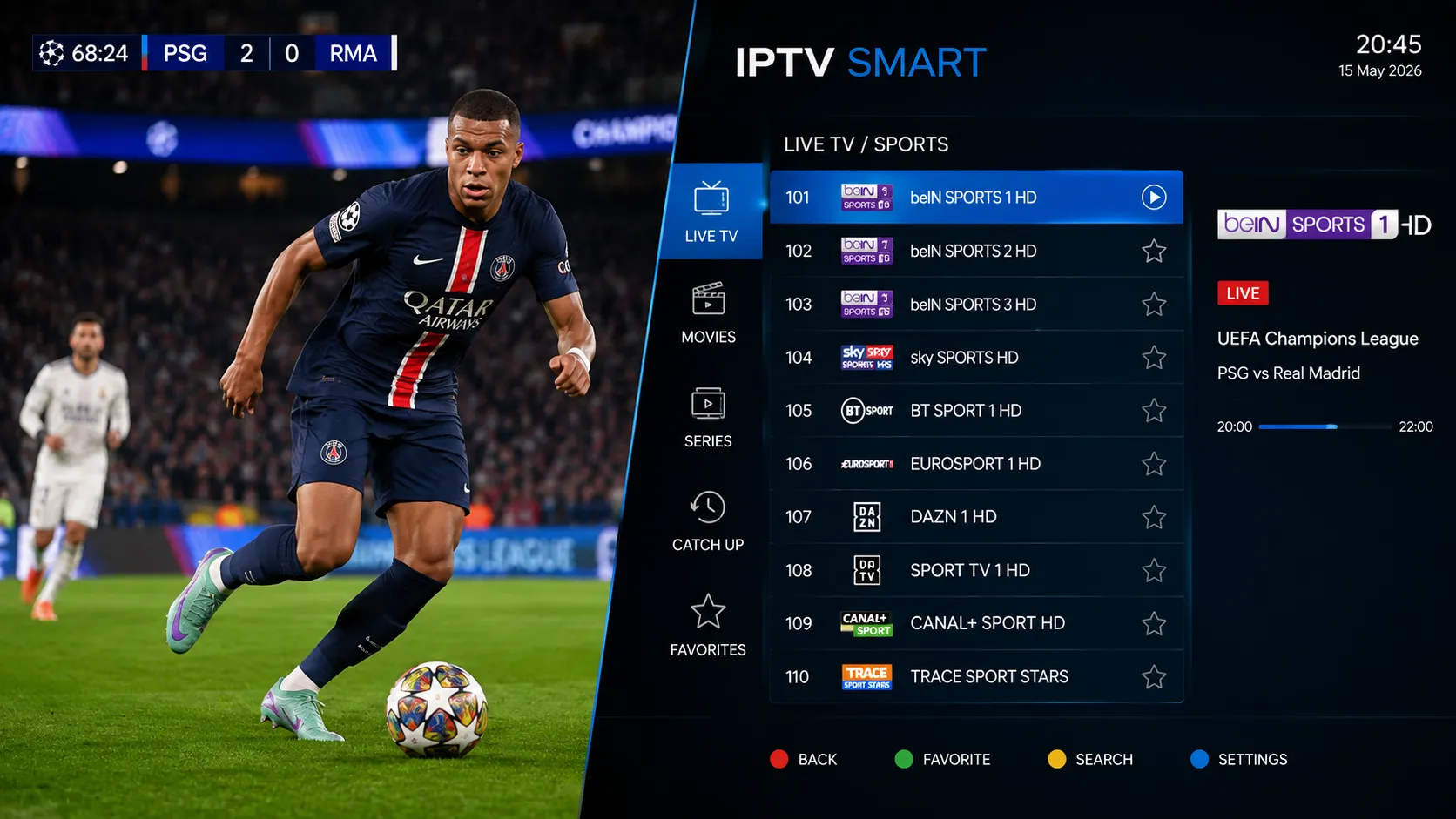
IPTV — Internet Protocol Television — is how television content is delivered using your broadband internet connection rather than a traditional cable line, satellite dish, or over-the-air antenna. Instead of receiving signals through specialized hardware tuned to specific broadcast frequencies, your device connects to a server and streams video data directly over the internet.
For American viewers, this shift matters because it fundamentally changes how you access live TV, sports, news, and entertainment. With IPTV, you can watch on the same Wi-Fi network that powers the rest of your home — and switch between devices with a single login to your chosen player application.
- Stream live channels and on-demand content through any compatible app or device on your network
- Use a single M3U playlist URL across multiple supported players without buying separate hardware per room
- Scale your viewing quality from standard HD to Full HD and 4K Ultra HD depending on your connection speed
- Access an Electronic Program Guide (EPG) so you always know what's airing and what's coming up next
Understanding IPTV Playlists & M3U Files
An IPTV playlist is the bridge between your subscription and your screen. Most commonly delivered as an M3U or M3U8 file, a playlist is a plain-text document that lists every channel or stream your service provides — along with the stream URL, channel name, logo reference, and EPG identifier for each one.
When you load an M3U URL into a compatible player like TiviMate or IPTV Smarters Pro, the app reads the playlist, organizes the channels into categories (sports, news, movies, etc.), fetches the logos, and maps each channel to the EPG data — all automatically. Understanding what a playlist is and how it works helps you choose the right player, diagnose problems, and get the most from your IPTV subscription.

How IPTV Streaming Works — Step by Step
Getting started with an IPTV subscription doesn't require technical expertise. Here is the straightforward path from choosing a service to watching your first channel.
Identify which services offer the channels, sports packages, or content categories you actually watch. Compare pricing, trial availability, device support, and customer reviews before committing.
Install an IPTV player on your preferred device. TiviMate, IPTV Smarters Pro, and GSE Smart IPTV are widely used options, each with different interfaces and feature sets worth comparing before setup.
After subscribing, your provider gives you an M3U URL or file. Paste this into your player's playlist settings. The app fetches your channel list, logos, and EPG data automatically.
Most players allow you to create favorites, hide channels you don't need, and set your preferred video quality. Spend a few minutes personalizing your setup for the best daily experience.
Begin streaming. If you notice buffering on certain channels, check your internet speed, try switching to a wired connection, or contact your provider's support team. Most issues are resolved quickly.
Which Devices Support IPTV?
IPTV is designed to be device-agnostic — meaning the same M3U playlist or service credentials can work across multiple devices in your home. However, compatibility depends on whether a suitable IPTV player application exists for your specific hardware. The following categories are among the most widely supported in the USA.
Important: Compatibility always depends on whether a supported IPTV player app is available for your specific device and operating system. We recommend confirming app availability before purchasing any hardware specifically for IPTV.
Find the Right Subscription
Premium servers, ultra-low latency, and simultaneous screens.
- 2 Simultaneous Screens
- Ultra‑Low Latency
- Dedicated VIP Routing
- 120,000+ Live Channels
- 160,000+ Movies & Series
- HD / FHD / 4K Quality
- Anti-Freeze™ Technology
- All Sports & PPV Included
- Full EPG TV Guide
- 24/7 WhatsApp Support
- All Devices Supported
- VPN Access Included
- 2 Simultaneous Screens
- Ultra‑Low Latency
- Dedicated VIP Routing
- 120,000+ Live Channels
- 160,000+ Movies & Series
- HD / FHD / 4K Quality
- Anti-Freeze™ Technology
- All Sports & PPV Included
- Full EPG TV Guide
- 24/7 WhatsApp Support
- All Devices Supported
- VPN Access Included
- 2 Simultaneous Screens
- Ultra‑Low Latency
- Dedicated VIP Routing
- 120,000+ Live Channels
- 160,000+ Movies & Series
- HD / FHD / 4K Quality
- Anti-Freeze™ Technology
- All Sports & PPV Included
- Full EPG TV Guide
- 24/7 WhatsApp Support
- All Devices Supported
- VPN Access Included
Everything You Need to Stream Smarter
From beginner guides to advanced setup walkthroughs, BestPlaylistIPTV is your dedicated IPTV resource for the US market.
We research and compare IPTV providers so you don't have to wade through misleading ads. Our guides focus on real performance metrics: channel availability, stream stability, EPG quality, and support response time.
Learn exactly how M3U playlists work, how to load them into your preferred player, what to do when a playlist stops updating, and how to troubleshoot common configuration errors.
Step-by-step installation guides for every major IPTV-capable device, including Fire TV Stick, Android TV boxes, Smart TVs, Apple TV, and more — written for non-technical viewers.
We explain the legal landscape around IPTV in the USA clearly and honestly, helping you distinguish between properly licensed services and those operating without proper authorization.
Buffering is the most common complaint among IPTV users. Our troubleshooting guides cover the most effective solutions, from network configuration to player settings and VPN usage.
We assess which IPTV services genuinely deliver 4K Ultra HD and Full HD streams at consistent quality, and what internet speeds your household needs to support them without interruption.
Why a Well-Chosen IPTV Solution Makes All the Difference
Not all IPTV experiences are equal. The difference between a frustrating setup and a seamless one often comes down to provider quality, playlist management, and the right player configuration. Here is what separates good IPTV experiences from poor ones.
A well-maintained M3U playlist updates automatically when stream URLs change, keeping your channel list working without manual intervention. Unreliable providers frequently break their playlists and offer slow support when it happens.
The best IPTV providers are upfront about their pricing tiers, connection limits, renewal terms, and refund policies. Avoid any service that is vague about what you are paying for or that pressures you to buy without a trial period.
Streaming issues happen — channels go down, EPG data drifts out of sync, or a server becomes temporarily overloaded. A provider with responsive support (live chat, ticket system, or WhatsApp) is far easier to work with than one that is unreachable.
A quality IPTV subscription should let you use your playlist on the devices you already own — your Fire TV Stick in the living room, a tablet in the bedroom, and a laptop when traveling — without forcing you into proprietary hardware.
What to Evaluate Before Subscribing to an IPTV Service
Use this framework to assess any IPTV provider before handing over payment details. A provider that scores well across all three areas is generally worth a trial subscription.
- Does the channel lineup include your regional sports teams and local US networks?
- Are HD, Full HD, and 4K stream options available for the channels you care about?
- Is on-demand content (VOD) available, and how frequently is it updated?
- Is EPG data (the program guide) accurate and consistently maintained?
- Are catchup or time-shift features available for missed programming?
- Does the service provide an M3U URL compatible with your preferred IPTV player?
- How many simultaneous connections (screens) does the subscription allow?
- Which devices and IPTV player apps are officially supported?
- Does the provider offer a free trial or test line before full payment?
- Is setup documentation or a setup guide provided to new subscribers?
- Are pricing plans clearly stated with no hidden renewal fees?
- Is customer support reachable — and does it actually respond in a reasonable time?
- Are there independent user reviews you can read before subscribing?
- Does the provider have a clear terms-of-service document you can review?
- How long has the provider been operating, and is their uptime history verifiable?
Talk to Us Directly on WhatsApp
Not sure which IPTV subscription is right for your setup? Have questions about which player to use or whether a specific service supports your TV? Reach out on WhatsApp and we'll help you navigate your options with no sales pressure.
Frequently Asked Questions About IPTV
Answers to the questions we hear most often from US viewers exploring IPTV for the first time — or switching from one service to another.
IPTV stands for Internet Protocol Television. Instead of receiving channels through a cable line or satellite dish, your TV content travels over your existing broadband internet connection. This means no specialized hardware installation, no satellite dish on your roof, and no dependency on a cable company's infrastructure. You simply install a compatible player app on your device, load your provider's M3U playlist, and stream. The flexibility and portability are the biggest differences from traditional delivery methods.
An IPTV playlist is a structured file — most commonly in M3U or M3U8 format — that contains a list of channel streams or video sources. Each entry in the playlist includes a stream URL, a channel name, a logo reference, and often an EPG identifier. When you paste this playlist URL into a compatible IPTV player, the app reads the file, organizes the channels into categories, fetches logos, and maps the EPG data so you can browse your channel list the same way you would on cable TV.
M3U (and its variant M3U8) is a plain-text file format originally designed for media players to create playlists of audio tracks. The IPTV industry adopted it because it is simple, widely supported, and easy to deliver via URL. An M3U file contains one entry per channel, each with a stream address and metadata tags. Most modern IPTV players accept M3U files either as a downloadable file or as a URL you paste directly into the app's settings — making it the most universal format for IPTV playlists.
IPTV can work on a wide range of devices, including Amazon Fire TV Stick, Android TV and Google TV devices, Samsung and LG Smart TVs, Apple TV (4th generation and later), iPhones and iPads (iOS), Android smartphones and tablets, Windows and Mac computers, and MAG set-top boxes. The key requirement is that a compatible IPTV player application must be available and installable on your specific device. Not all Smart TVs support the same app ecosystems, so verifying app availability before purchasing hardware is always recommended.
Many Samsung and LG Smart TVs do support IPTV through apps available in their respective app stores (Tizen for Samsung, webOS for LG). However, the app selection varies by TV model and year of manufacture. Some IPTV players designed for Smart TVs have limited functionality compared to their Android or Fire TV equivalents. For the most consistent Smart TV IPTV experience, many users find it easier and more versatile to use an external Android TV box or Fire TV Stick connected to their Smart TV via HDMI, which offers a broader selection of IPTV player apps.
EPG stands for Electronic Program Guide. It is the on-screen schedule that shows what is currently airing on each channel and what is scheduled to air later — similar to the channel guide on cable or satellite TV. EPG data is provided as a separate XML file or URL that your IPTV player fetches periodically. While IPTV works without EPG, the guide makes navigation significantly more intuitive, especially when browsing dozens or hundreds of channels. If you plan to use IPTV as your primary TV source, EPG support is highly recommended.
Setting up an IPTV playlist involves three main steps. First, install a compatible IPTV player app on your device — TiviMate is popular on Android and Fire TV, while IPTV Smarters Pro works on Android, iOS, and more. Second, your IPTV provider will give you an M3U playlist URL after you subscribe — copy this URL. Third, open the player app, navigate to its "Add Playlist" or similar setting, and paste your M3U URL. The app will import your channel list automatically. Our player setup guides walk through this process for each major app.
IPTV buffering is typically caused by one of four issues: a slow or unstable internet connection, network congestion during peak hours, overloaded provider servers, or hardware limitations of your streaming device. The most effective first step is switching from Wi-Fi to a wired Ethernet connection, as Wi-Fi interference is often the culprit. If buffering persists, run a speed test — HD IPTV generally requires 15–25 Mbps, and 4K streams require 50 Mbps or more of stable throughput. Our detailed buffering fix guide covers all common solutions.
IPTV as a technology is entirely legal in the USA. It is simply a method of streaming video over an internet connection — no different from how Netflix or Hulu deliver content. The legality question relates specifically to the IPTV service you subscribe to. Services that hold proper licensing agreements with the content rights holders operate legally. Services that redistribute channels without authorization are operating outside the law, and subscribing to them carries risk for the end user as well. We only direct visitors toward services that operate transparently and responsibly. See our full legality guide for more detail.
The most important factors are: channel lineup relevance to your viewing habits (especially regional sports and local US networks), stream quality options (HD, FHD, 4K), EPG data accuracy, device and player app compatibility, availability of a free trial before payment, pricing transparency, and the responsiveness of customer support. We also recommend looking at independent user reviews — not reviews hosted on the provider's own website — to get a more accurate picture of actual day-to-day performance. Our provider comparison guide applies this framework to the most popular services in 2026.
Yes, Amazon Fire TV Stick is one of the most popular IPTV streaming devices among US viewers, partly because of its affordable price and the wide availability of IPTV player apps. IPTV Smarters Pro is available directly from the Amazon App Store. TiviMate, the most widely used IPTV player among enthusiasts, requires sideloading via Downloader — a simple process that our setup guides explain step by step. The Fire TV Stick 4K Max is particularly well-regarded for IPTV use due to its processing power and Wi-Fi 6 capability.
IPTV streaming quality is directly related to your internet connection speed and stability. For standard definition (SD) streams, 5–10 Mbps is generally sufficient. HD (720p) streams typically require 10–15 Mbps. Full HD (1080p) streams work best with 20–25 Mbps of consistent throughput. 4K Ultra HD IPTV streams require a stable 50+ Mbps connection. These figures assume one stream at a time — if multiple household members are streaming simultaneously, multiply accordingly. Connection stability matters as much as raw speed: a wired Ethernet connection will almost always outperform Wi-Fi for IPTV reliability.
Ready to Find the Right IPTV Solution for Your Home?
Whether you are switching from cable, upgrading your current IPTV setup, or exploring streaming for the first time — we are here to help. Reach out on WhatsApp and we'll guide you through your options.